
Pocket WiFi in Japan can be useful when a family or small group wants several devices online through one portable router. The practical question is whether sharing one connection fits the way your group will move each day.
Solo travelers and people who expect to split up may prefer mobile data that stays on each phone. On a compatible unlocked device, a Japan travel eSIM can be installed before departure, avoiding router pickup, daily charging, and return arrangements.
This guide focuses on the travel decisions that matter before reserving a router: group movement, airport logistics, battery planning, rural side trips, and the final return.
Does Pocket WiFi Fit Your Trip?
A pocket WiFi device is a small battery-powered router that connects to a Japanese mobile network and shares that connection over Wi-Fi. Phones, tablets, and laptops join it using a network name and password.
The arrangement works best when the travelers and devices remain together. If one person carries the router to a museum while another returns to the hotel, only the person near the router keeps that connection.
This is especially true in large cities where tourist attractions are numerous and widely scattered—for instance, when visiting must-see spots in Tokyo, if group members have different itineraries, they will each need their own means of navigation and communication once they move beyond the router's Wi-Fi range.
Before booking, map the days when your group may separate. Shopping time, different attraction interests, separate restaurant reservations, and different return times can all make one shared router less convenient.
A shared device can still be a good fit for families, laptop users, and travelers carrying Wi-Fi-only tablets. The decision should come from the itinerary rather than a generic claim that one connection method is best for everyone.
Reserve Around Your Arrival
Many travelers arrange a rental before flying, then collect it at an airport counter, hotel, locker, or another provider-supported location. Pickup and return methods vary, so confirm the exact instructions shown during booking.
Your arrival gateway affects how easy the handoff will be. A guide to major airports in Japan can help you match the airport and terminal to the first leg of your route before choosing a collection point.
Check the scheduled landing time against counter or locker availability, and allow for immigration, baggage claim, and a possible terminal transfer. A tight airport-train connection is not the right moment to discover that the pickup desk is elsewhere.
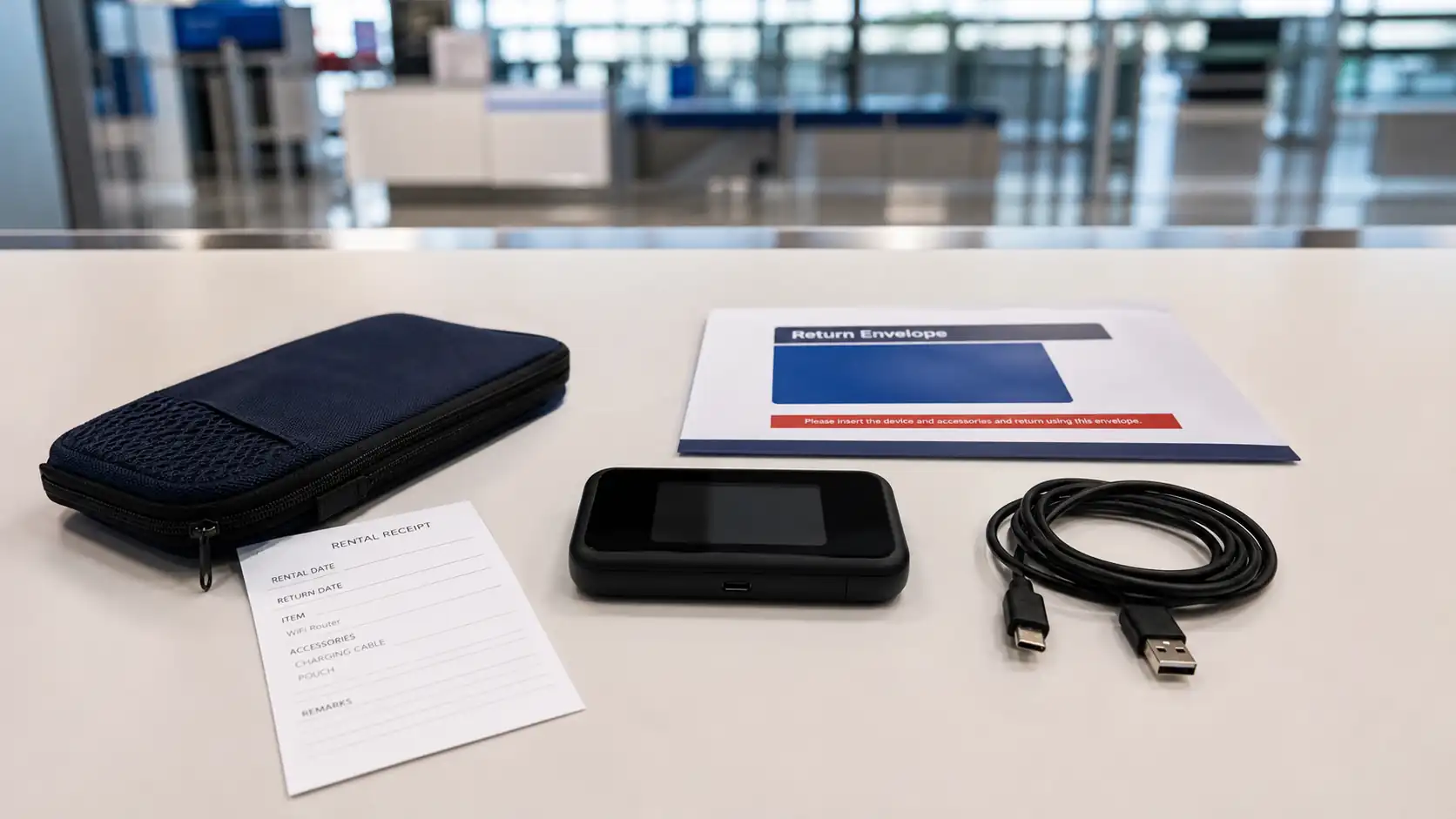
Read the return instructions before accepting the device. Note whether it must go to a counter, locker, or prepaid envelope, and save the deadline in the same calendar as the departure flight.
Check the Rental Terms
Do not compare only the headline daily rate. Review the complete trip price, data policy, delivery or pickup charge, insurance, replacement fees, extension rules, and the cost of returning the device late.
Look for the number of devices the router can support and whether heavy use changes performance. If several people plan to stream video, join calls, or work on laptops, ask the provider how its data policy applies to that pattern.
Confirm what is included in the kit. A router, charging cable, wall adapter, pouch, and return materials may be treated as separate items if anything is lost.
Pickup: Match the location and operating method to your real arrival time.
Data: Read the provider's current fair-use and speed-management terms.
Battery: Check the stated runtime, then plan for colder weather and long days.
Damage: Understand the loss, theft, and replacement rules before adding insurance.
Return: Save the exact place, method, and deadline for the final day.
Build a Daily Router Routine
Charge the router fully overnight and keep its cable in the same pouch. On long sightseeing days, carry a suitable power bank and follow the airline's current rules when packing batteries for the flight.
Multi-city routes make battery planning especially important. A 10-day Japan itinerary shows how Tokyo, Kyoto, Osaka, and other stops can create long transfer days with more navigation and booking checks.
Choose one person to carry the router, but make sure everyone knows the network password and the meeting plan if the group separates. Save the hotel name, address, and first return route as offline screenshots on every phone.
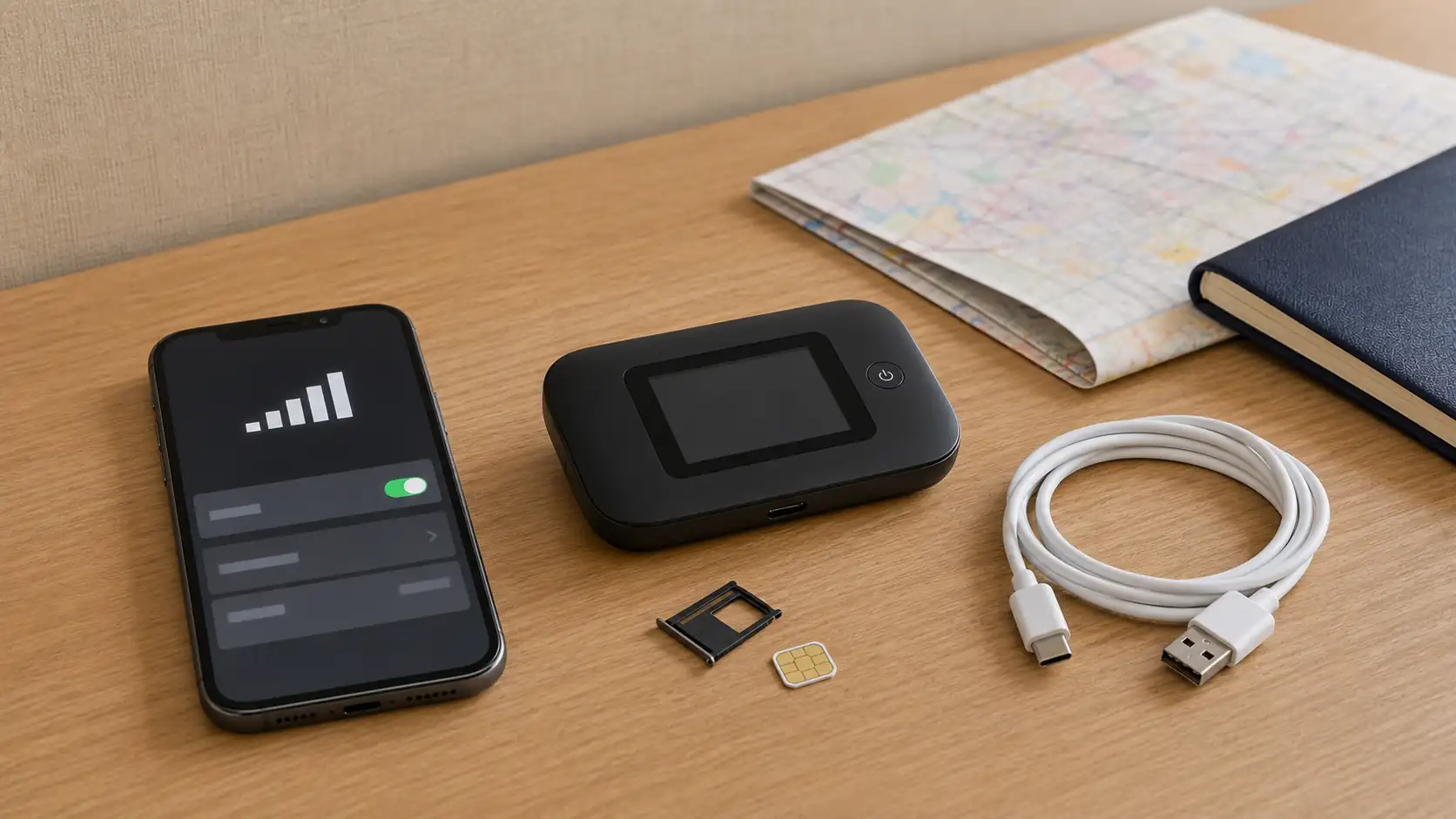
Test the connection before leaving the pickup location. If a device cannot join, it is easier to check the password, restart the router, or contact support while you still have airport or hotel assistance nearby.
Plan for Rural Side Trips
A router uses mobile-network coverage, so it cannot create a signal where the underlying network is unavailable. Mountain routes, remote valleys, tunnels, and sparsely populated areas may behave differently from central Tokyo or Osaka.
Download the essential route, reservation details, and accommodation address before leaving a major city. Offline information remains useful when a connection is weak, a battery runs low, or the group takes the wrong train.
Weather can also affect the routine around electronics. Keep the router dry, avoid leaving it in direct summer heat, and store it in an inside pocket during very cold days rather than at the outer edge of a bag.
Prepare for a Multi-Country Route
Check whether the rental is limited to Japan before carrying it across a border. A Japan-only device may stop working elsewhere, and keeping it beyond the reservation period can add fees even when it is not being used.
Power preparation also changes between destinations. Japan supplies 100V at 50Hz or 60Hz, while mainland China supplies 220V at 50Hz, so travelers combining both countries should use the China plug guide to recheck the router charger and adapter before the second leg.
That voltage difference matters more than the shape of a familiar-looking socket. Confirm the input range printed on the charger instead of assuming one adapter setup is suitable for the entire itinerary.
Pocket WiFi vs eSIM, SIM Card, and Roaming
The best option depends on whether the group stays together, how many devices need data, and whether each phone is unlocked and eSIM-compatible.
Use this comparison before reserving a router.
Option | Best for | Main advantage | Main trade-off |
|---|---|---|---|
Pocket WiFi | Groups that stay together or travelers with several devices | One connection can serve phones, tablets, and laptops | Another device to charge, carry, collect, and return |
Travel eSIM | Solo travelers and groups that may split up | No pickup or return, with data on the phone itself | Requires an unlocked, eSIM-compatible device |
Physical SIM | Unlocked phones without eSIM support | Independent mobile data without a separate router | SIM swapping and activation can take extra time |
Home-carrier roaming | Very short trips or travelers prioritizing simplicity | Keeps the existing number and billing relationship | Price and data limits may be less competitive |
If two travelers expect to separate for shopping, ski lessons, or different day trips, independent connections are usually more resilient than one shared router. An eSIM is therefore worth comparing with the total router rental, insurance, pickup, and return cost rather than only the advertised daily rate.
Other Ways to Stay Connected
If group members frequently go their separate ways, one shared pocket WiFi router can create unnecessary coordination. The person carrying it remains connected, while everyone outside its Wi-Fi range must wait for another connection or reunite with the router holder.
An iRoamly eSIM is a phone-based alternative for compatible, unlocked devices. When each traveler has an appropriately configured plan, mobile data stays with that person's phone instead of depending on the location and battery of one shared router.
This makes independent sightseeing easier. Each traveler can keep access to navigation, train updates, translation, accommodation messages, and group chats when plans change or meeting points move.
An eSIM does not automatically suit every group. A pocket WiFi router may still be practical when everyone stays together or several Wi-Fi-only devices need one connection, while separate eSIM plans are usually easier when travelers regularly split up and need independent mobile data.
FAQ
1.Can a locked phone use pocket WiFi in Japan?
Yes, a locked phone can generally join a pocket WiFi network because it connects over Wi-Fi rather than replacing the carrier plan.
2.Is one router enough for a family?
Yes, when the family stays together and the router's device and data limits support everyone's expected use.
3.What happens if the group separates?
The travelers who move away from the router lose that connection, so each person should keep offline directions and an agreed meeting plan.
4.When should I return a rented router?
Return it by the provider's stated deadline and method, allowing extra time before an early flight or terminal transfer.
Conclusion
Pocket WiFi in Japan works best for travelers who stay together and want several devices to share one portable connection. Its convenience depends on the route, not only the rental price.
Check pickup, data, battery, loss, and return terms before booking. Then build the router into the daily routine with overnight charging, offline backups, and a clear plan for group splits.
If carrying and returning a separate device does not suit the itinerary, phone-based travel data may be the cleaner option. Choose the setup that keeps each traveler connected where the trip actually requires it.