
Getting around Japan is easier when you can tap through a station gate instead of buying a ticket for every journey. A Suica card lets you pay for supported local transport and everyday purchases using a prepaid balance.
For visitors, the main decision is whether to use a physical card or a compatible phone. Regular Suica, Welcome Suica, and the mobile options differ in how you get them, add money, and handle any balance left at the end of your trip.
This guide helps you choose a suitable version and explains how to buy, set up, and use it—from your first train ride to a quick convenience-store stop.
Which Suica Should You Choose?
For a visitor with a compatible iPhone and a working payment card, an ordinary Suica in Apple Wallet is a convenient starting point.
If you prefer a separate card, choose physical Welcome Suica for a trip within 28 days, or regular Suica for longer stays and return visits.
The comparison below separates the four options you are most likely to encounter. All are stored-value payment options; simply owning one does not give you unlimited rides.
Option | Deposit, validity and best use |
|---|---|
Regular physical Suica | ¥500 refundable deposit; becomes invalid after 10 years without use Best for: Repeat visitors, longer trips and anyone who wants a card independent of a phone. |
Physical Welcome Suica | No deposit; 28 days including the purchase date Best for: Short-stay visitors who will spend the balance before expiry. |
Ordinary Suica in Apple Wallet | No deposit for a newly issued digital card; no fixed 28- or 180-day visitor expiry Best for: Compatible iPhone users who want to fund and check a card on their phone. |
Welcome Suica Mobile | No deposit; 180 days from issuance Best for: Visitors who want the English visitor app and accept its non-refundable balance. |
The no-deposit Welcome products are useful if you want to avoid returning a card, but their remaining balances expire. A regular physical card ties up ¥500 until you return it, while giving you the option to keep it for another trip.
PASMO and ICOCA can also cover much of the same everyday travel through Japan's interoperable IC network. If you already have a working compatible card, there is usually no reason to buy Suica just because you arrive in another city.
Where to Buy a Suica Card in Japan
Regular Suica at JR East stations
Regular Suica cards are sold at participating JR East ticket machines and counters, including locations in the Tokyo area. Non-personalized card sales resumed in March 2025, so older blanket advice that tourists cannot buy a regular Suica is outdated.
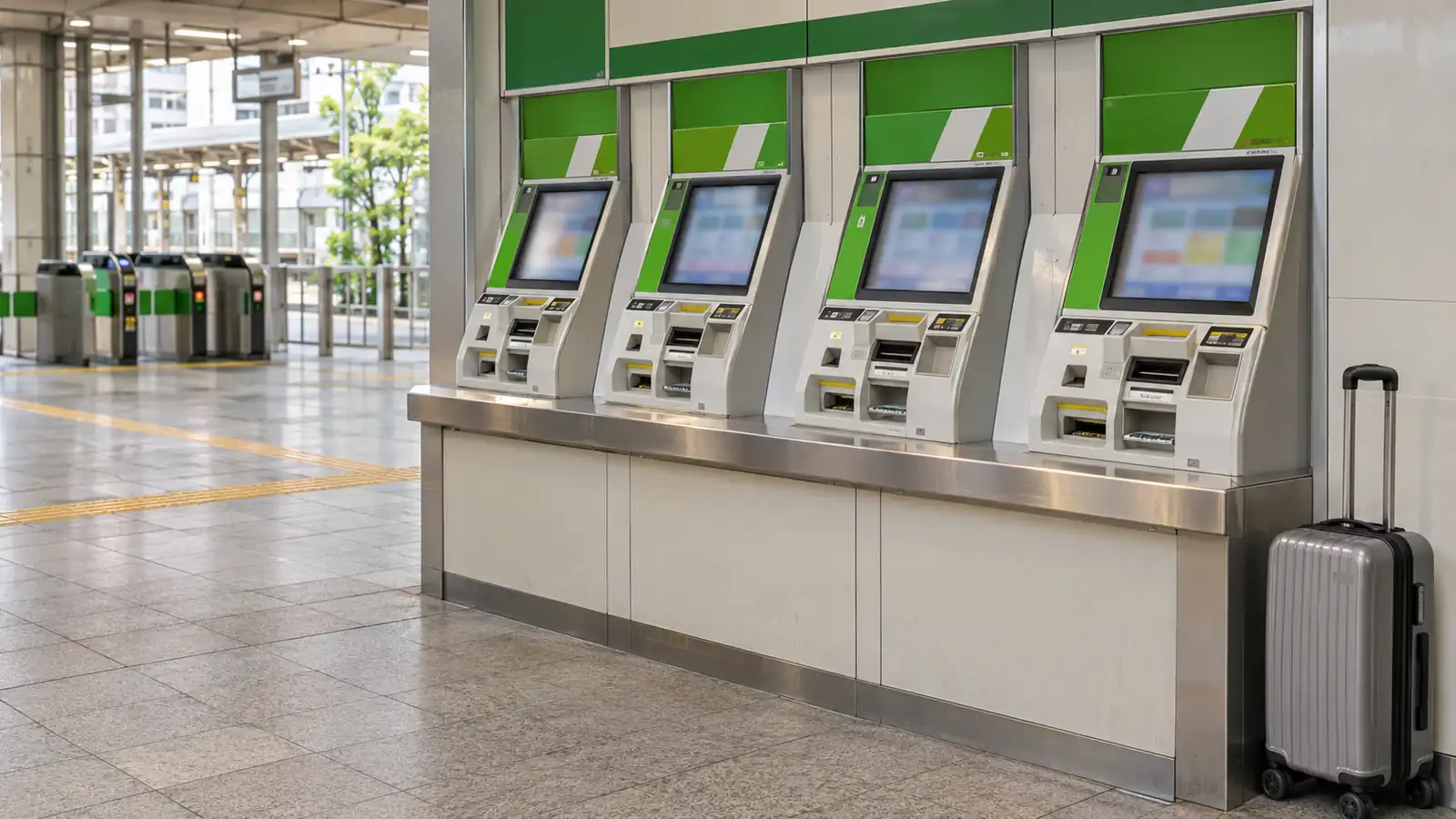
Look for machines displaying Suica, switch to English and select the new-card option shown on that machine. Availability and machine functions vary by station; ask staff if you only see charging or ticket options.
A ¥2,000 regular-card purchase gives you ¥1,500 to spend plus a ¥500 deposit. The deposit is separate from the usable balance, so do not count it toward your first train fare.
Welcome Suica at airports and selected city stations
Dedicated Welcome Suica machines are listed at Narita Airport Terminal 1 Station, Narita Airport Terminal 2·3 Station and Haneda Airport Terminal 3's Tokyo Monorail station. The Haneda location is specific: do not assume every terminal or every railway counter sells the same card.
JR EAST Travel Service Centers also sell it at those airport stations and selected city stations, including Tokyo, Shinjuku, Shibuya, Ikebukuro, Ueno, Yokohama and Sendai. Other listed options include JAPAN RAIL CAFÉ TOKYO and TAKANAWA GATEWAY Travel Service Center.
Check the official Welcome Suica purchase information before choosing a counter, particularly for a late arrival. A resale voucher may have its own collection desk and hours, so follow the seller's pickup instructions if you book through an intermediary.
There is no deposit on physical Welcome Suica, so a ¥2,000 purchase provides ¥2,000 of usable value. Keep the accompanying reference paper: it records the validity period, and staff may ask to see it.
How to Add Suica to Your Phone
Ordinary Suica in Apple Wallet
For a straightforward visitor setup, follow Apple’s setup requirements: use an iPhone 8 or later with the latest supported iOS, an Apple Account with two-factor authentication, and an eligible payment card in Wallet. Older Japan-purchased models have some additional support, but check the exact model rather than assuming every NFC phone works.
Open Wallet and tap the add button.
Select Transit Card, then Suica and the option to add a new card.
Choose an initial amount and follow the payment prompts.
Confirm which transit card is set for Express Mode before your first ride.
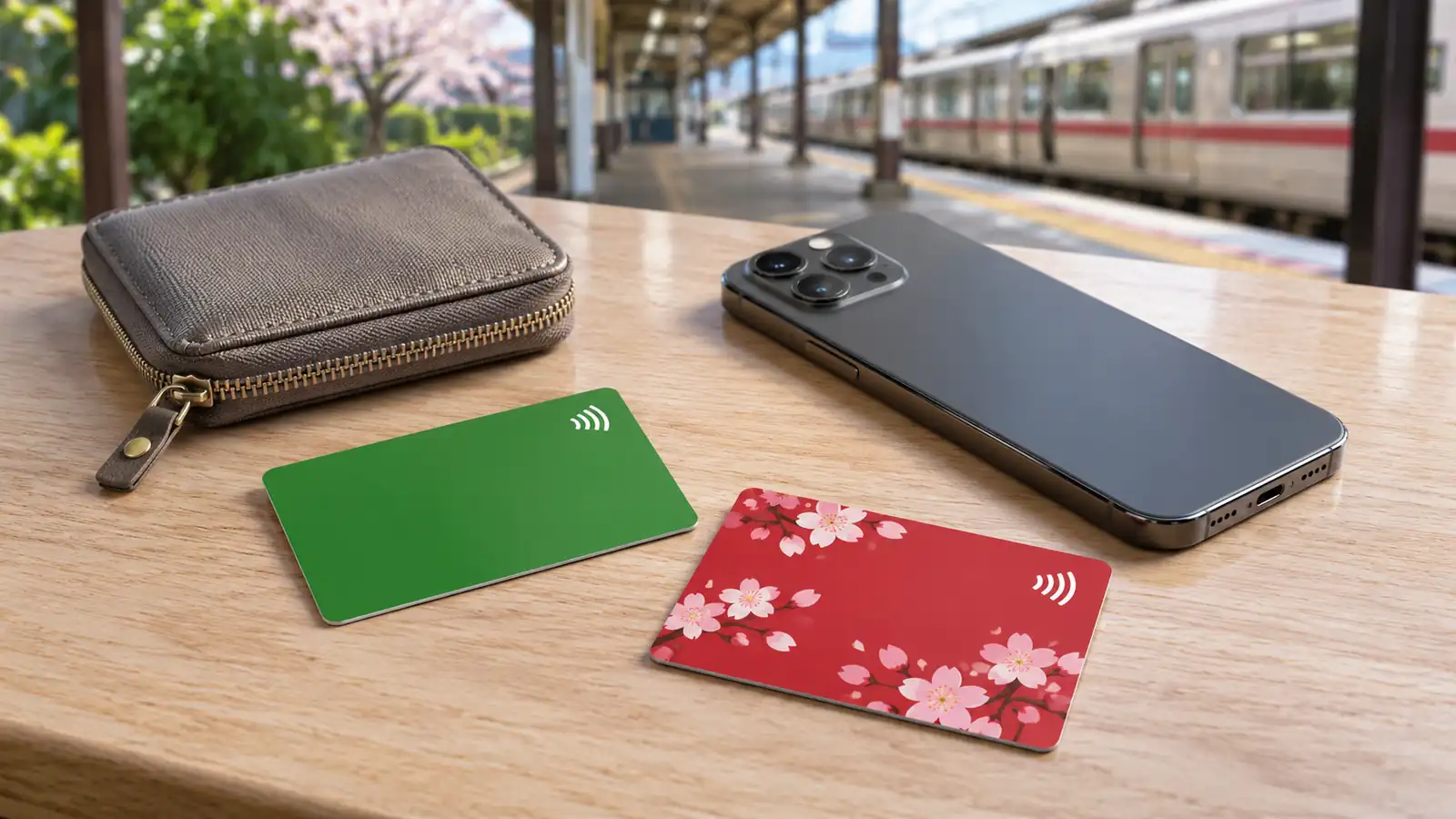
Express Mode allows a tap without opening the card each time or authenticating each ride. Test a small top-up when setting up: acceptance depends on your payment card and issuer, so a card working for ordinary shopping does not guarantee a successful Suica charge.
You can transfer an eligible regular physical Suica into Wallet, but the plastic card stops working after transfer. The same digital transit card can be on only one device at a time, so decide whether you will use your iPhone or Apple Watch.
Welcome Suica Mobile
Welcome Suica Mobile is a separate English-language app for visitors. It requires an iPhone XR/XS or later running iOS 17.2 or higher, which is stricter than the requirements for adding an ordinary Suica directly to Apple Wallet.
Follow the app’s registration steps, save your secret keyword, and allow the location check. Issuance or charging may be restricted in some countries. If setup is unavailable before departure, try again after entering Japan rather than assuming your phone is incompatible.
Once funded, Welcome Suica Mobile can be used for rides and shopping without an internet connection. App operations such as charging still require one.
Suica on Android Phones
Most Android phones sold outside Japan cannot currently use Mobile Suica simply by enabling NFC or downloading an app. A compatible phone with Osaifu-Keitai support is required. If your exact model is unsupported, a physical Suica is the practical alternative.
JR East has announced support for overseas Samsung Galaxy phones, planned for new models from 2027 onward, with model and regional details to follow. This is a future rollout, so check confirmed compatibility before relying on it for your phone or trip.
Whether you choose a supported mobile option or a physical card, mobile data is useful for route searches and travel apps. An iRoamly Japan eSIM is one option for a compatible, unlocked phone. Choose your data plan separately from your transit balance.
How to Top Up and Use Suica
Add money and check your balance
For a physical card, use a compatible station charging machine, fare-adjustment machine or participating convenience-store service. Select charging, insert or place the card as instructed, add yen cash and wait for confirmation before removing it.
Physical Welcome Suica can also be charged at Seven Bank ATMs. Ordinary physical-card charging is cash-based; do not plan on using an overseas credit card at a station machine to add value.
Suica's stored-value balance is capped at ¥20,000. Start with enough for your immediate travel and add more as needed, particularly with a Welcome product whose unused value cannot normally be refunded.
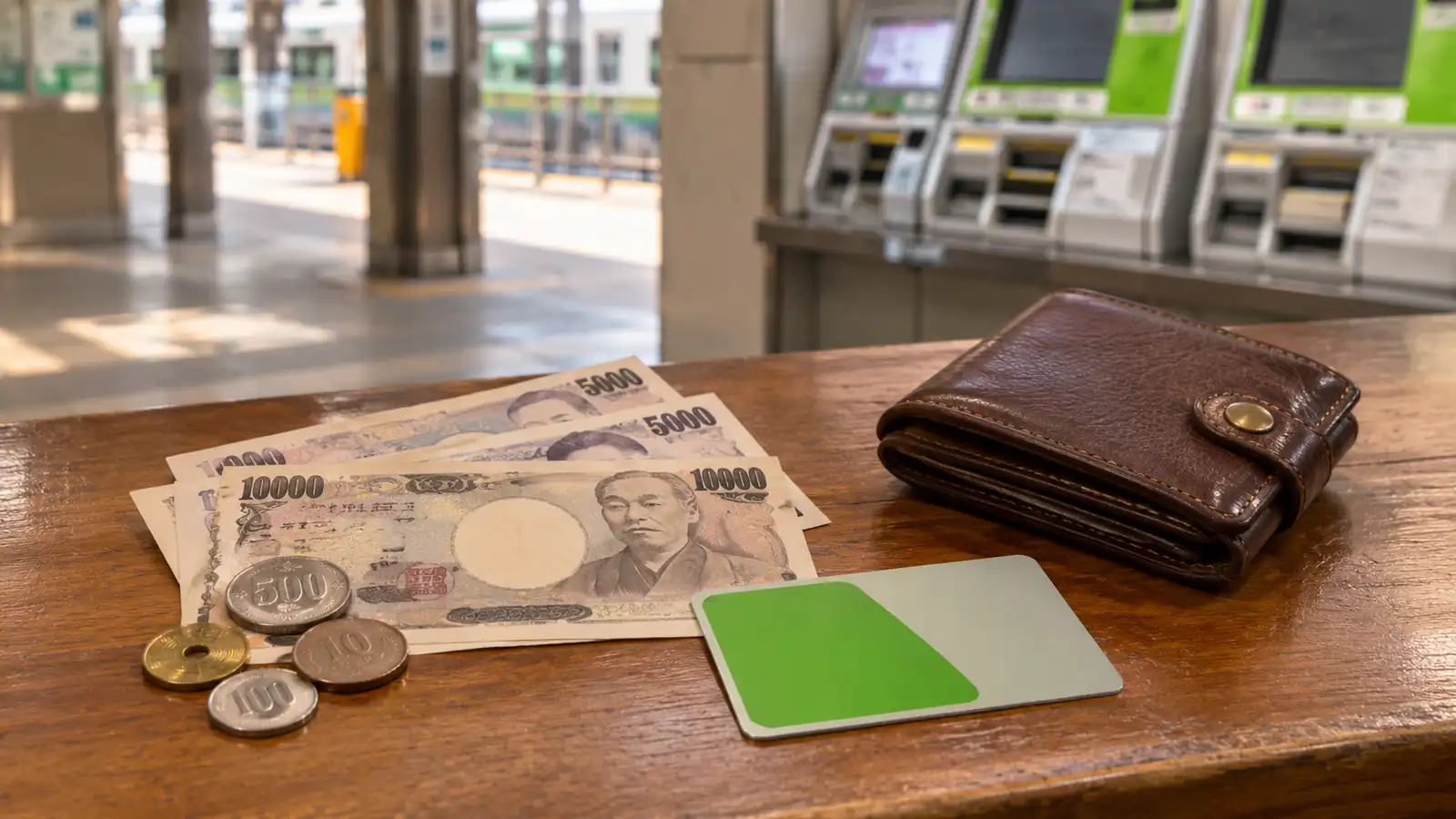
For an ordinary Suica in Wallet, select the card and choose Add Money, then authorize an eligible payment card. A phone can also be charged with cash at compatible equipment, but machines that require inserting a plastic card cannot take the phone.
Check a physical card's balance at a compatible machine or on the gate display when you tap. Phone users can also inspect the balance in Wallet; if an online charge fails, keep yen cash available for a compatible charger or ask station staff about the nearest option.
Using Suica on Trains and Buses
At a railway station, find an IC-compatible gate and touch the reader with your card or the correct part of your phone. Do not insert a Suica into the paper-ticket slot.
Use that same card or device to tap out at your destination. The system needs the entry and exit to calculate the journey.
If the gate will not open, step aside and check the message. Top up at a fare-adjustment machine if the balance is too low, or show staff the card if the problem is unclear.
On buses, follow the operator’s instructions. Some routes require a tap when boarding and another when leaving, while flat-fare services may require only one. Do not assume every bus follows the same procedure as a train.
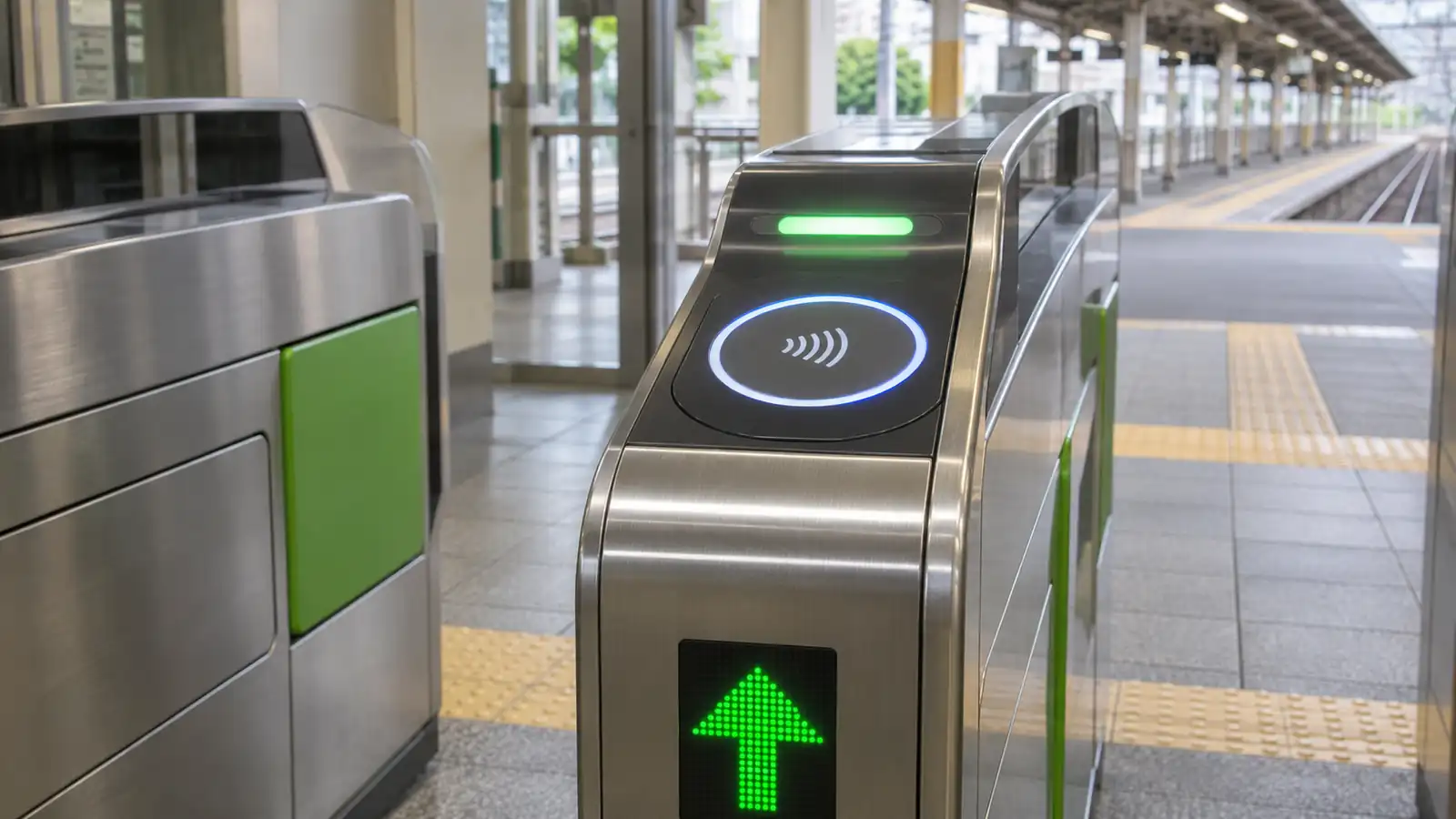
Paying With Suica in Shops
At a participating shop, select transportation IC payment or tell the cashier you would like to pay with Suica. Touch your card or phone to the reader when prompted, and wait for confirmation before moving it away.
Keep only the intended card against the reader. Other contactless cards in your wallet may interfere with the payment.
Where You Can Use Suica in Japan
Suica works on compatible local transport in Tokyo and many other major-city networks, including Osaka and Kyoto through interoperable IC services. Acceptance depends on the specific operator and route, so “usable in Japan” does not mean every train, rural bus or shop accepts it.
Look for the nationwide mutual-use IC mark or an accepted-card logo at the gate or till. Participating convenience stores are useful for drinks, onigiri, sandwiches and snacks, while compatible station lockers let you pay and later retrieve your luggage using the same card.
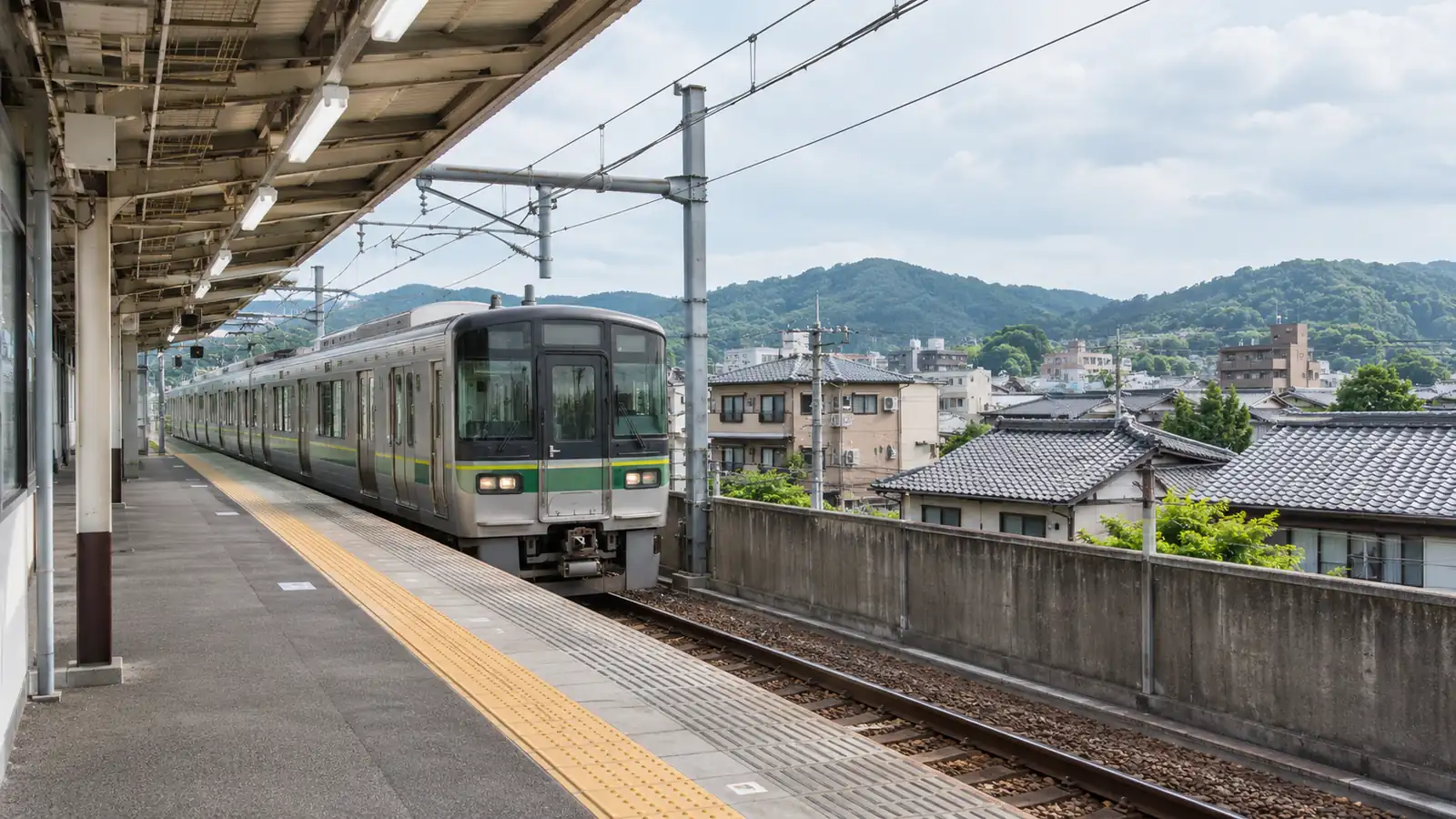
Regional boundaries and trains with extra charges
A single ordinary tap-in/tap-out journey cannot simply cross between separate IC service areas. For example, JR East says you cannot travel from the Tokyo metropolitan area to the Sendai area on Suica alone; buy the appropriate through ticket before boarding.
Limited-express services and Green Cars may require an additional ticket beyond the base fare. Confirm the exact train before using an airport express or upgraded carriage, even if the station gate accepts your Suica.
Shinkansen and unlimited passes
Loading money onto Suica does not by itself buy a Tokyo–Kyoto Shinkansen journey. You can purchase a separate ticket, or use a supported booking system that links a reservation to your IC card.
For Tokaido, Sanyo and Kyushu Shinkansen travel, smartEX lets you register an eligible IC card for gate access after booking. The Shinkansen fare is paid by the registered payment card, rather than deducted from your Suica balance.
Welcome Suica Mobile also offers JR East ticketing features and specific Shinkansen services, each with its own conditions. Check your route and seat type instead of assuming that one app arrangement applies to every bullet train.
Use Suica for the local travel your pass does not cover. Before buying an unlimited pass, compare its price with the actual eligible journeys you will take; a full Suica balance is spending money, not a prepaid unlimited-travel pass.
Refunds, Expiry and Common Problems
Handle leftover money before you leave
A regular physical Suica issued by JR East can be returned through JR East, while a card issued by another company must be handled by its issuer. Plan this before leaving eastern Japan: using a Suica in Osaka does not mean JR West can refund a JR East card there.
JR East deducts up to ¥220 from the remaining balance and returns the ¥500 deposit in full. For example, a ¥1,000 balance produces a ¥1,280 refund including the deposit; with a zero balance, the deposit returned is still ¥500.
Physical Welcome Suica and Welcome Suica Mobile do not offer ordinary refunds of unused stored value, and the balance expires with the product. Spend down modest leftovers on purchases you need, while keeping enough for any remaining local journey.
Do not apply the physical-card refund procedure to an ordinary digital Suica. Its registered-member withdrawal procedure pays the stored balance to a bank account in Japan, so visitors without one should plan to spend down the balance or keep it for another trip.
Removing a digital card from a phone is also different from requesting a refund. If you need help with a specific account or device, consult the relevant app's support before deleting or transferring it.
If your Suica will not work
A failed tap may be caused by a low balance, interference from another card, an incomplete earlier journey or an unsupported route.
Bring the same card or device to the staffed gate and explain where you boarded; repeatedly trying different gates will not correct a missing travel record.
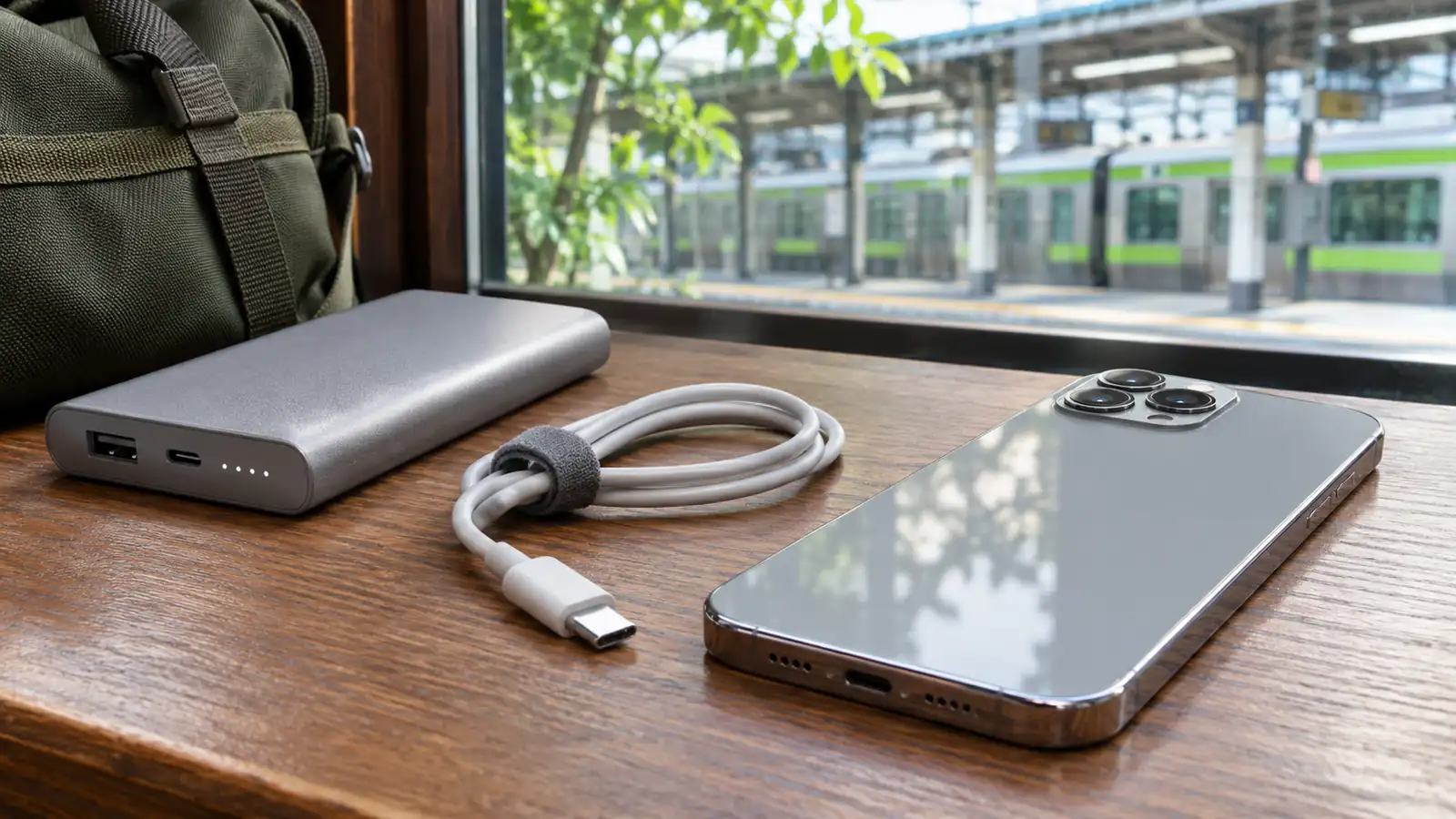
Keep a phone charged and carry a power bank if it is your main ticket. Lost anonymous physical cards and lost physical Welcome Suica cannot normally be reissued, while a registered regular card or a phone-based card has its own recovery procedure.
If a physical Welcome Suica malfunctions, ask JR East about its separate malfunction-refund process. The usual no-refund rule for unwanted leftover value does not replace the operator's handling of a verified faulty card.
FAQ
1. Can foreign visitors buy a regular Suica?
Yes. Regular Suica is available to visitors at participating sales locations; you do not have to choose Welcome Suica simply because you are visiting from overseas.
2. Can two people use the same Suica for a train ride?
No. Each fare-paying traveler needs a separate card or ticket for the same journey, because the system tracks each entry and exit.
3. Which Suica should I get for a child?
Ask for an eligible child card and carry the child's passport for age verification. Physical Welcome Suica has a child version, with eligibility ending on March 31 after the child's 12th birthday; ask staff which fare category applies near that school-year boundary.
Do not issue an ordinary adult phone Suica expecting it to deduct child fares. A physical child card is the clearer option for families who need the reduced fare.
4. Does Suica save money compared with individual tickets?
Its main advantage is paying without buying a ticket for each local journey. Some IC and paper fares differ, but Suica is not a universal discount card; judge any day pass against your actual route and the operators it covers.
Conclusion
Suica brings convenience to the small, repeated payments of a Japan trip. Once it is ready, local journeys and purchases become simpler, with less time spent buying tickets or counting change.
Choose a version that suits your device and travel plans, paying particular attention to top-up methods, expiry, and refunds. Keep separate arrangements for journeys that require additional tickets, including long-distance trains.
A little preparation before your first ride lets Suica become a useful part of your routine. Then you can spend more time exploring and less time figuring out how to pay at each stop.